
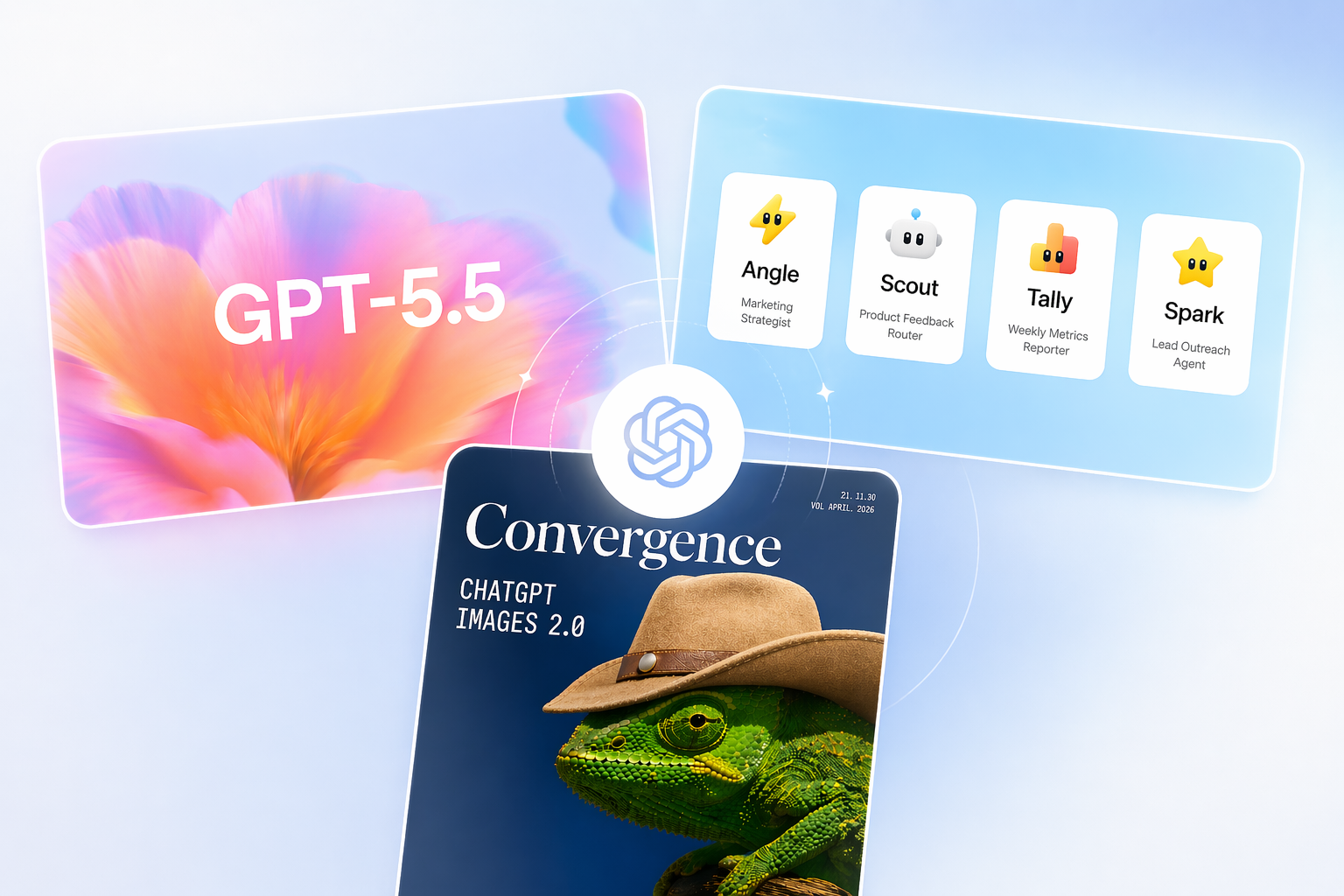
Huge week for OpenAI. GPT-5.5 arrived as its most capable model yet, Images 2.0 fixed text rendering and added multilingual support, and new workspace agents turn ChatGPT into a real team automation tool.
Perplexity also launched an AI that runs directly on your Mac, and we have a free skill for deploying AI across your team. Plus five trending tools and deep dives into spreadsheets, social automation, and search.
In This Issue:
- 💥 Big News: OpenAI's triple drop (GPT-5.5, Images 2.0, workspace agents) and Perplexity's Personal Computer is now on Mac
- ✨ Weekly Spotlight: A free skill for moving your team from AI experimentation to real deployment
- 🔥 Trending Tools: Five tools covering computer control, engineering metrics, CRM, and more
- 🛠️ Deep Dives: Gigasheet, Aidelly, and Microsoft Bing broken down
💥 Big News
OpenAI's Triple Drop: GPT-5.5, Images 2.0, and Workspace Agents →
OpenAI had its biggest week of the year. GPT-5.5 arrived as its most capable model yet, designed to take a messy, multi-part project and handle the planning, tool use, and self-checking on its own. It's a noticeable jump in intelligence for coding, research, and document work without losing speed.
ChatGPT Images 2.0 finally fixes the text-in-images problem, adds multilingual support across dozens of languages, and sharpens visual reasoning so complex prompts translate faithfully into mockups, infographics, and marketing assets.
And workspace agents let teams build a shared Codex-powered agent once and use it across ChatGPT and Slack for things like lead qualification, weekly metrics, or feedback monitoring. Agents run in the cloud, admins control what data they touch, and they're free until May 6.
Why it matters:
- GPT-5.5 handles complex, multi-step work more independently.
- Images 2.0 finally makes AI visuals usable for real design work.
- Workspace agents turn ChatGPT into a real team automation tool.
Perplexity Introduces Your Own AI 'Personal Computer' →
Perplexity launched Personal Computer, an expansion of its Computer product that runs directly on your Mac. Rather than just answering questions, it takes action across your local files, native apps, connected services, and the web to complete tasks end to end.
Hand it a to-do list and it does the list: sorting folders, sending messages, cross-referencing local files with web data. It runs 24/7, and you can kick off tasks from your phone while away from your desk.

Why it matters:
- AI that acts on your Mac, not just responds to it.
- Handles messy, multi-step tasks across apps and files.
- Keeps sensitive work local while still tapping the web.
✨ Weekly Spotlight
Close the Gap Between AI Hype and Actual Deployment
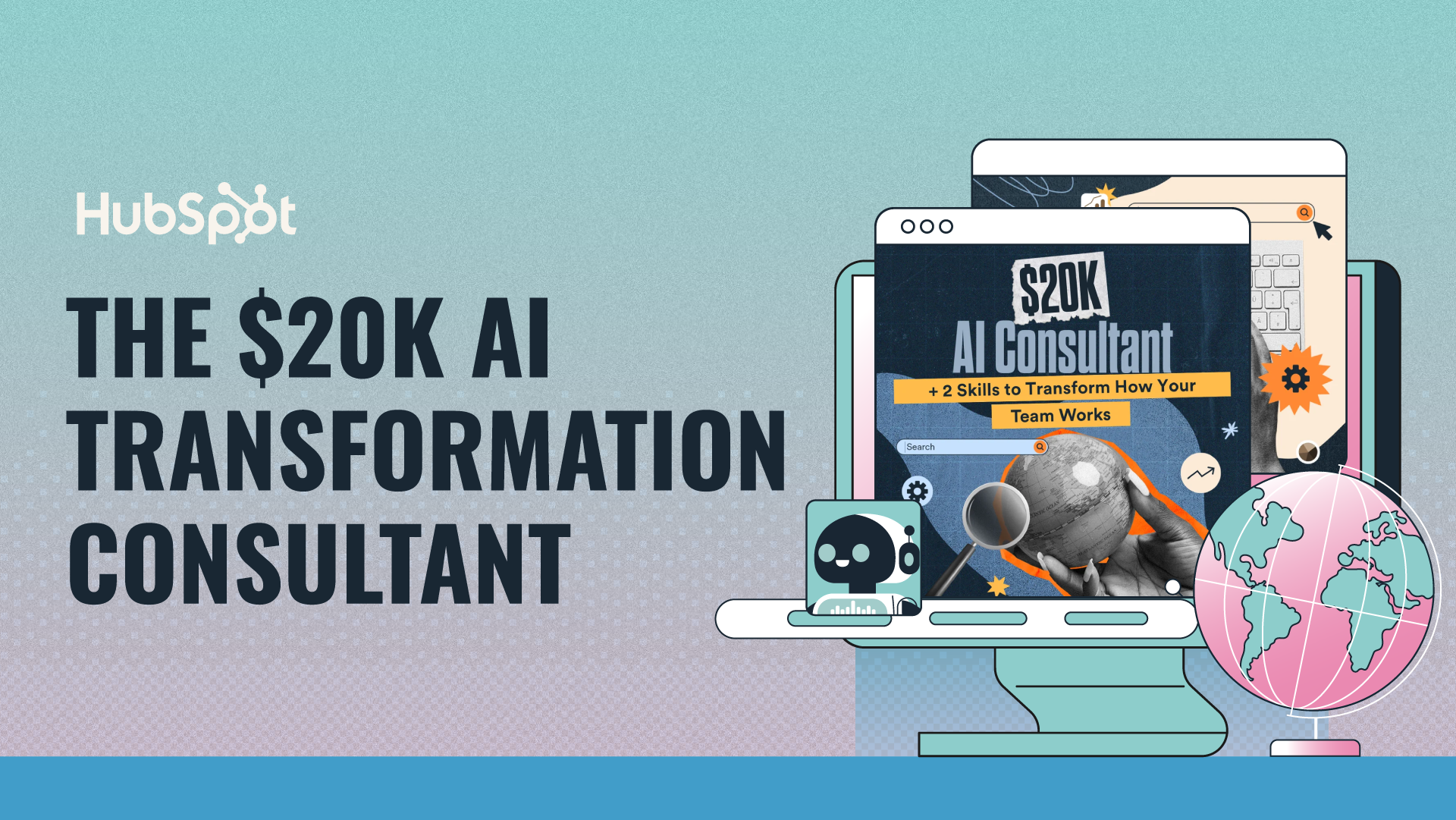
In HubSpot's AI Transformation Consultant , you'll learn how to move from experimentation to execution. Built by Kipp Bodnar after analyzing 40+ case studies, this free skill takes your process recordings and turns them into deployment plans tailored to your scope, from individual workflows to full departments, complete with workflow redesigns, tool recommendations, timelines, and change management strategy.
Key Takeaways:
- Research-backed methodology built on the RAPID-5 framework using 20 existing frameworks and 40+ real case studies.
- Complete toolkit included with benchmarks, quality standards, timelines, examples, and ready-to-use output templates.
- Built for real deployment with workflow redesigns, tool recommendations, and change management strategy included.
🔥 Trending Tools
5 Top & Trending AI Tools This Week
- Project Mirage : Tap three keys to control apps, meetings, and AI
- Waydev : Track engineering work, AI impact, delivery outcomes.
- Twenty : Code, customize, and chat with your CRM
- Kimi : Automate code, research, and documents using agents
- Devaito : Describe an idea; get full a website, store, & app
🚀 Login to Futurepedia to see your 5 personalized tool recommendations.
 | Get your AI tool, agency, or service in front of 280k+ AI enthusiasts 🤝
|
🛠️ Deep Dives
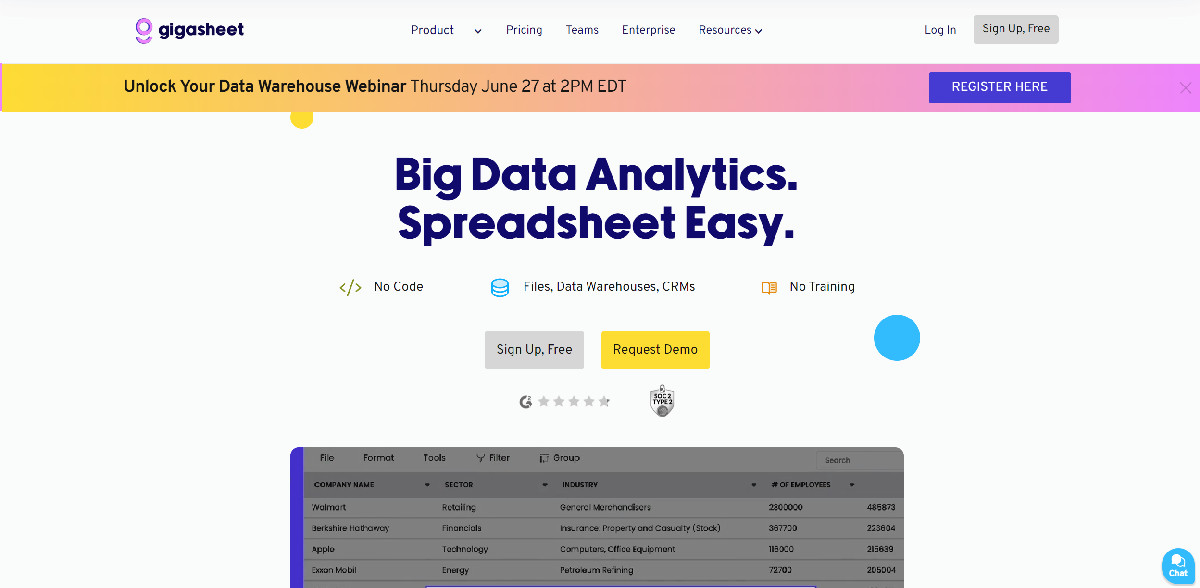
1. Gigasheet: Handle huge spreadsheets with ease, thanks to AI-powered insights.
Why It's Worth Your Time:
- Analyze huge datasets easily (perfect for large CSVs or logs).
- No-code interface makes powerful analysis accessible to everyone.
- AI suggests insights, helping you discover hidden trends in your data.
Pricing: Free version for basic use, paid plans start at $20/month for advanced features and larger file sizes.
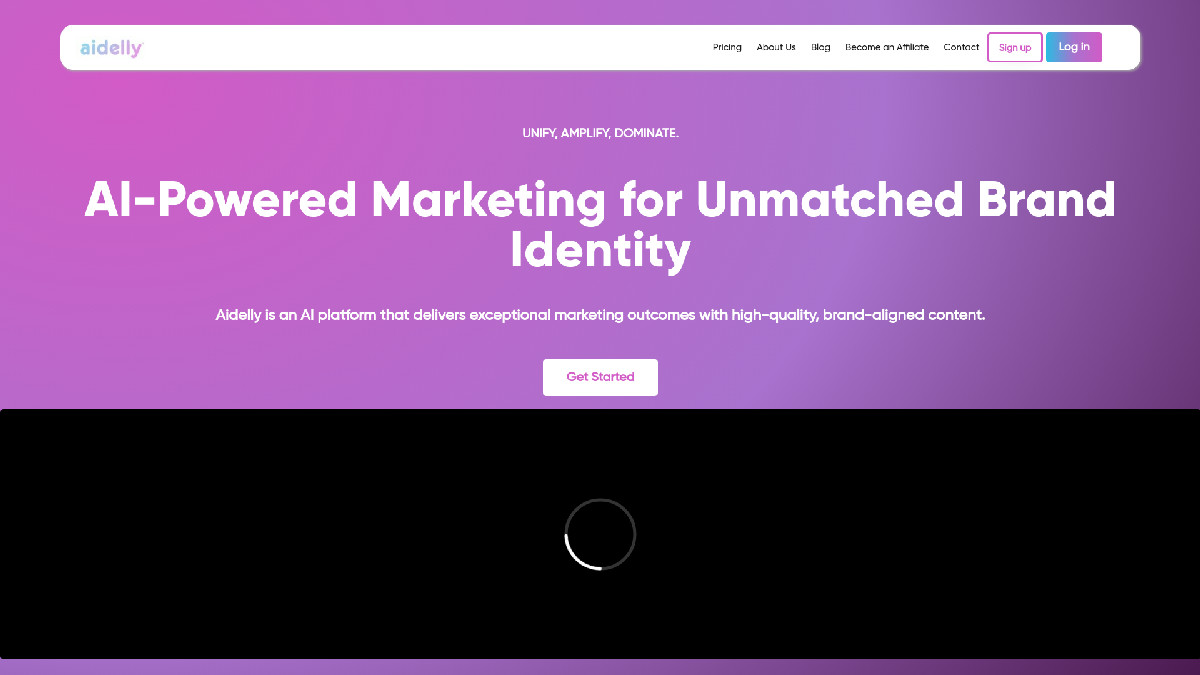
2. Aidelly: Automate your social media with AI, from content creation to scheduling.
Why It's Worth Your Time:
- Generate social media content automatically (say goodbye to writer's block).
- Schedule posts across platforms (set it and forget it).
- AI-powered replies engage with your audience 24/7.
Pricing: Free trial available, paid plans start from $19/month for full automation and multiple accounts.
3. Microsoft Bing: Experience searching the web redefined with AI-powered precision.

Why It's Worth Your Time:
- Get direct, concise answers instead of just links (saves time).
- Enjoy multimedia-rich search results (visuals enhance understanding).
- Generate creative content directly from your search query (more than just facts).
Pricing: Free to use with a Microsoft account.
⏭️ What's Next
A major model, a visual overhaul, agents for teams, and AI that runs on your Mac, all in one week. If any of this issue sparked an idea, the best next step is to pick one thing and try it. See you next week.
